Cloud DMA Companion
HVCI and Secure Boot path
At a glance
Key capabilities
What Cloud DMA Companion focuses on before you open the full module list.
Plus 3 additional modules in the operator portal—see the full list below.
Overview
Cloud DMA requirement overview
How this build fits ranked, Turbo, and patch-day workflows.
Supported Combat Master builds on hardened Windows PCs require Cloud DMA when HVCI, Core Isolation, TPM, and Secure Boot stay enabled.
This companion page summarizes firmware settings and links to the main Combat Master product requirements. It is not a substitute for the live product spec on checkout.
Firmware first
Confirm TPM and Secure Boot in UEFI before chasing loader errors. Screenshot firmware pages when opening Discord tickets.
Modules
What's included
Every module and overlay shipped with Cloud DMA Companion—toggle and tune in the operator portal.
- HVCI and Core Isolation checklist
- TPM and Secure Boot notes
- Cloud DMA setup overview
- Links to Combat Master product requirements
Experience
In the client · After you buy
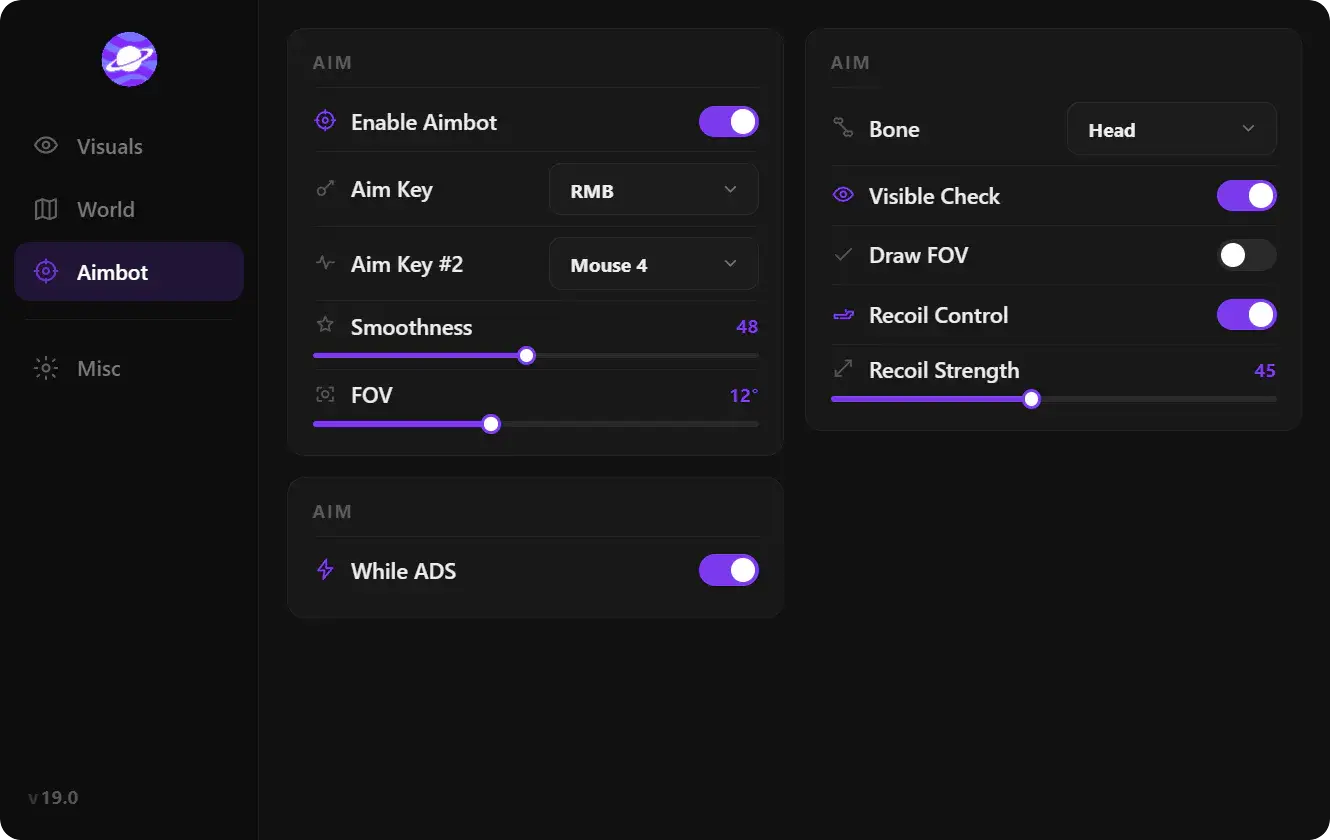
Use the screenshots above for Cloud DMA Companion—below is what each layer means and how access works after checkout.
In-game layers
- Layer A
Aimbot tuning
FOV ring, smoothing sliders, and hitbox selection against sliding targets.
- Layer B
World overlay
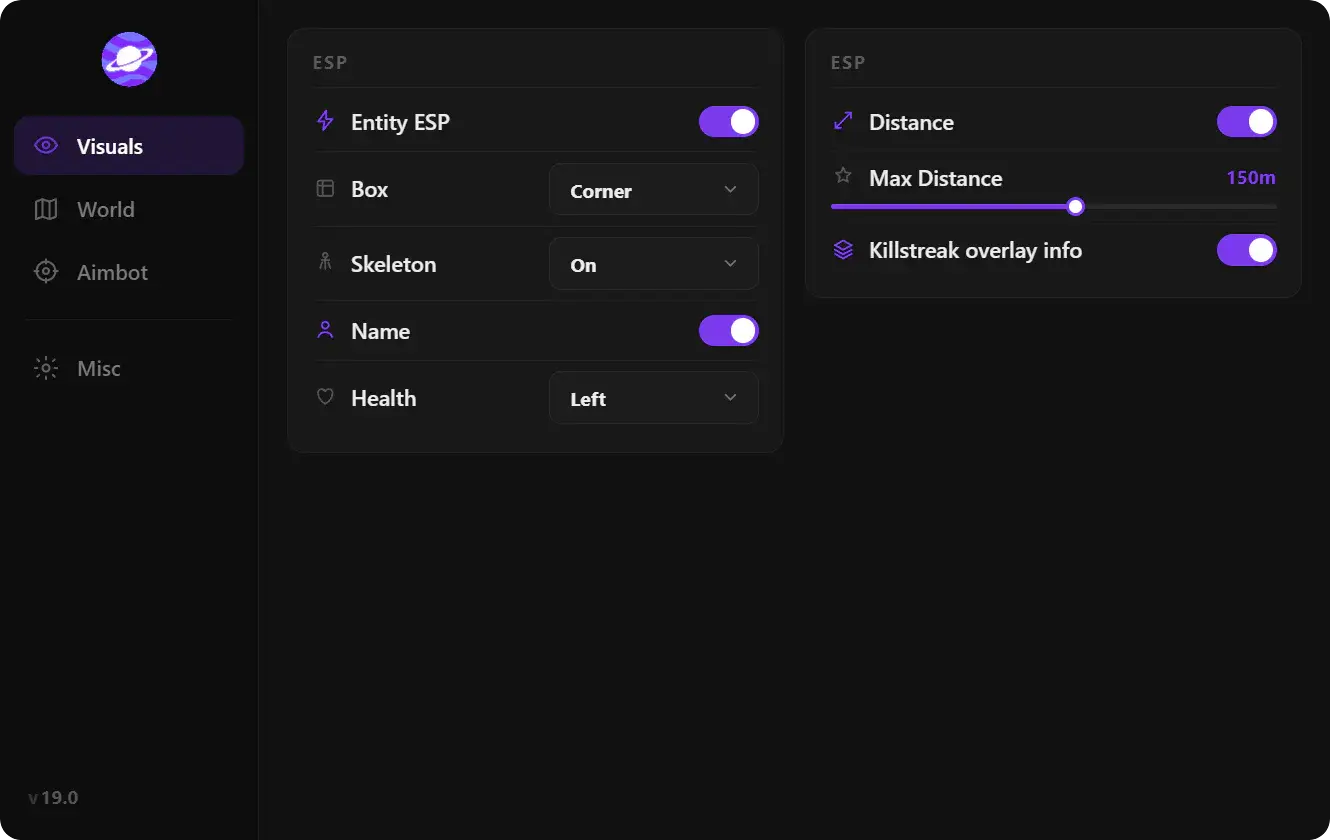
Radar and world visuals for tracking flanks across Hangar and Fuji lanes.
- Layer C
Player ESP
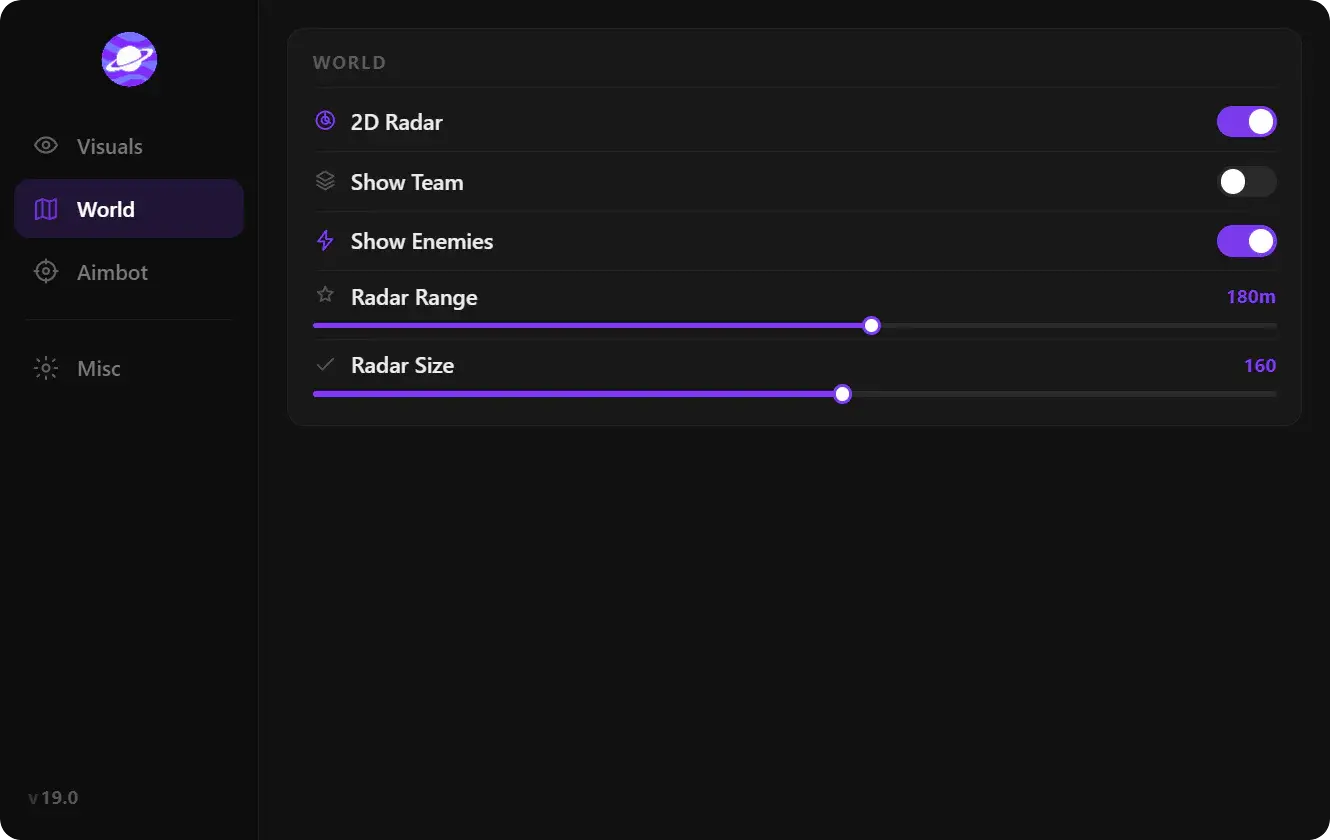
2D boxes, distance tags, and weapon callouts during a Team Deathmatch push on Cargo.
Guides
Learn more about Cloud DMA Companion
Curated articles for setup, tuning, and patch-day checks that match this product.
Combat Master cheats from Zadeyo: Player ESP, aimbot, radar, stream-proof overlay. Monthly $35 or Lifetime $150. PC setup and buying guide.
Safe Combat Master cheat download steps for Steam on Windows 10/11. Checkout, loader install, DMA notes, and first-launch checks.
Step-by-step Combat Master cheats setup: checkout, loader, DMA, in-game binds, ESP/aimbot tuning, and first-match checklist.
After Combat Master patches: cheat update workflow, Steam verifications, downtime expectations, and when ESP or aimbot returns online.
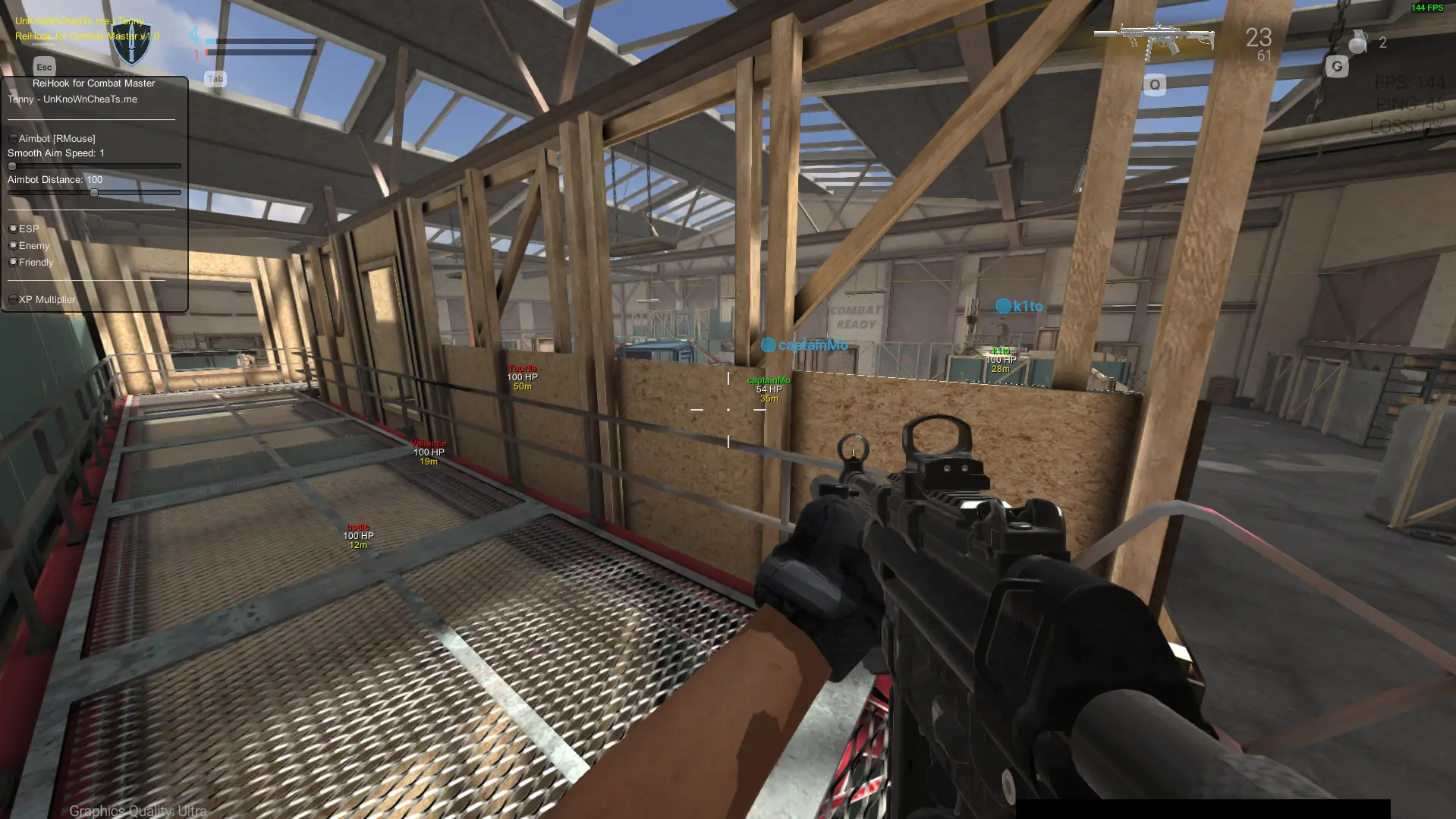
Combat Master ESP explained: player boxes, skeleton lines, distance tags, and how ESP helps on Cargo, Hangar, and Combat Zone rotations.
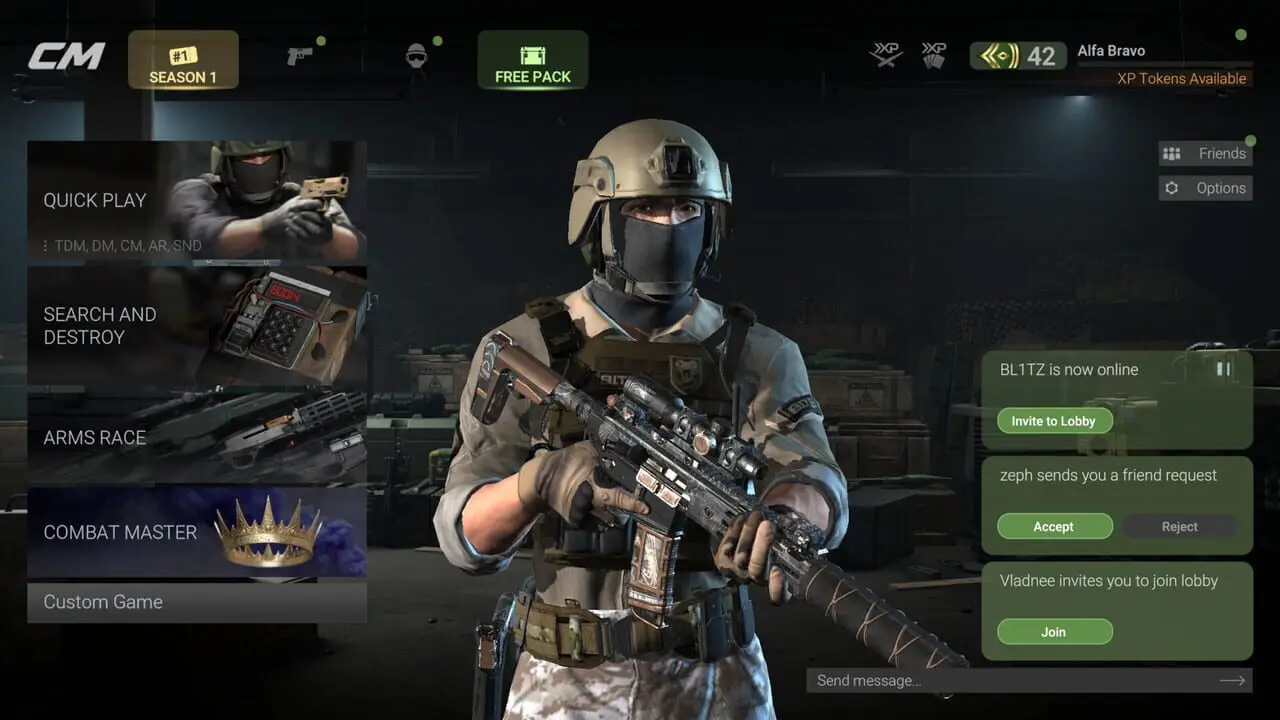
Tune Combat Master aimbot FOV, smoothing, and hitbox priority for parkour fights on Steam. Windows 10/11 setup and sane configs.
FAQ
Questions about this page
Answers tied to what you are reading. Visit the FAQ page for every topic.